Food cost per dish: how to calculate it and decide what to promote on your menu
How to calculate a dish’s food cost, account for packaging and payment processing fees, and pick a menu item to promote online. Worked example with formulas.

A discount can bring in more orders and still shrink the amount the restaurant keeps. Before you offer one to guests on your Eatery Club website, work out how many extra portions you would need to sell.
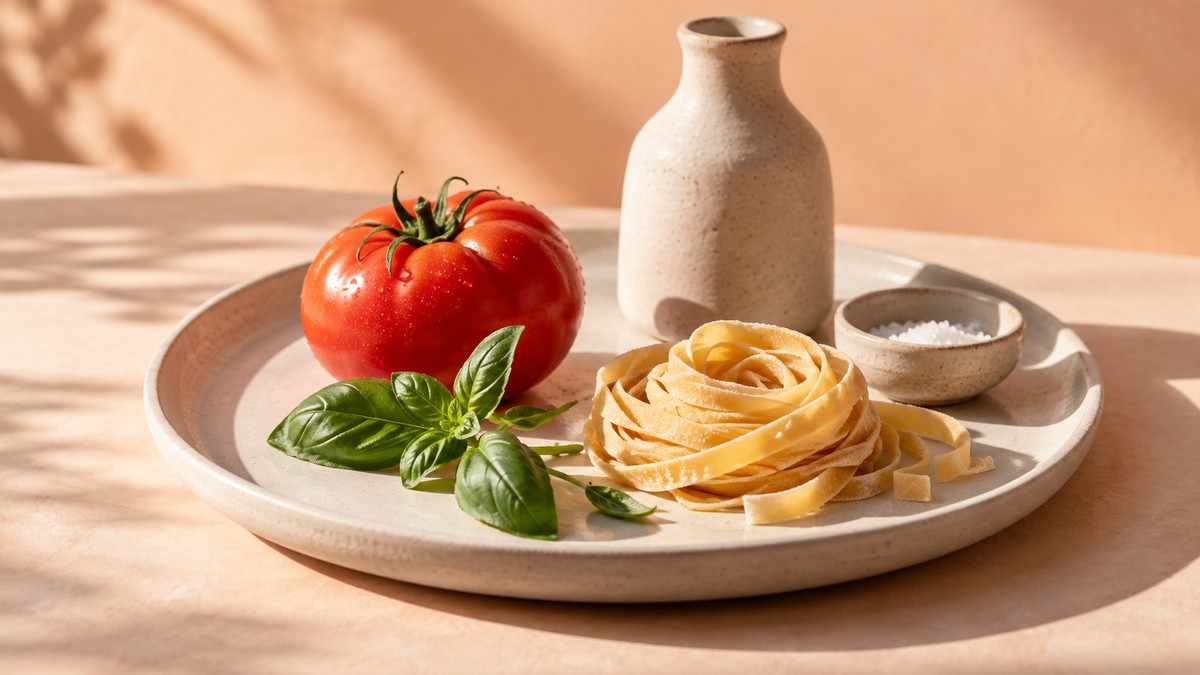
Take a dish that sells for 250 UAH and uses 75 UAH worth of ingredients. Here the ingredients make up 30% of the price, and that share is called food cost percentage, or simply food cost. If you lower the price, the ingredients still cost the same, so each portion leaves you less money. All amounts in this article are illustrative, in Ukrainian hryvnias (UAH), and aren’t prices for your market.
The calculation starts with the recipe card and the restaurant’s own accounting records. Once you know which dish is worth promoting, you can change its photo in the Eatery Club menu or show its category on the home page.
How to calculate the cost of a dish
Start by checking the recipe card against current purchase prices. The 75 UAH has to cover every ingredient in the portion, including sauce and cooking oil.
Account for yield after prep. As a hypothetical example, say you buy 1 kg of potatoes for 100 UAH. After peeling, 0.8 kg is usable, but you paid the full 100 UAH for it. To find the cost of a kilogram of usable product, divide what you spent by its weight: 100 ÷ 0.8 = 125 UAH/kg. If the recipe card already lists the gross (as-purchased) quantity, multiply that by the purchase price. Don’t add the trim loss a second time.
Leave packaging and the payment processing fee out of the 75 UAH; we’ll count them separately. Take prices and costs from the restaurant’s accounting records and keep them on one consistent basis. If you’re not sure how to treat taxes in these amounts, check with your accountant before you run the numbers.
The food cost formula and what a discount does to it
Food cost percentage = ingredient cost / selling price × 100%.
For our dish: 75 / 250 × 100% = 30%.
A 10% discount brings the price down to 225 UAH. The ingredients still cost 75 UAH, which is now exactly one-third of the price. Once they’re paid for, each portion leaves 150 UAH instead of 175 UAH.
That’s why food cost for a discounted dish is calculated based on the price after the discount. To judge the promotion itself, you need to add the order’s other costs to the ingredients.
How many extra portions a discount needs to bring in
Let’s work through a single pickup portion. Say packaging costs 15 UAH and the payment processing fee is 2% of the price. That comes to 5 UAH at the regular price and 4.50 UAH at the discounted one.
What’s left of the price after a portion’s variable costs is its contribution margin, or contribution for short. In this example, we count ingredients, packaging and the payment processing fee.
| Per portion | Regular price | 10% discount |
|---|---|---|
| Selling price before the payment processing fee | 250 UAH | 225 UAH |
| Ingredients | 75 UAH | 75 UAH |
| Packaging | 15 UAH | 15 UAH |
| Payment processing fee | 5 UAH | 4.50 UAH |
| Contribution per portion | 155 UAH | 130.50 UAH |
With the discount, each portion contributes 24.50 UAH less.
Suppose you sell 20 portions a week at the regular price. Their contribution is 3,100 UAH. To make at least as much with the discount, you need to sell 24 portions, which contribute 3,132 UAH.
Under these conditions, a 10% discount has to lift sales by at least 20%. If the extra volume means paying for more kitchen hours, include those hours too. For delivery, the calculation also has to cover courier pay and any other costs the restaurant pays per order, such as a platform commission.
Contribution is what pays for rent and other fixed costs, so it isn’t the same as net profit. When an order includes several dishes, count shared costs, such as packaging, for the whole order. That gives you the order’s contribution. These metrics are covered in more detail in What your average check really shows.
Why a lower food cost isn’t always the better deal
Let’s compare our dish with a cheaper one. The second dish sells for 200 UAH and its ingredients cost 50 UAH, so its food cost is 25% against our 30%. With the same pickup conditions (15 UAH packaging, 2% payment processing fee), the second dish contributes 131 UAH and ours 155 UAH. The dish with the lower food cost contributes 24 UAH less per portion.
Food cost percentage helps you notice when ingredient prices have gone up or a portion has grown. To choose a dish to promote, compare how much money a portion of each dish contributes and how often guests order it.
Menu food cost: which dish to promote
Menu food cost is calculated the same way, only over a period: the ingredient cost of all portions sold divided by the revenue from them. That percentage won’t tell you which dish to promote. For that, take the items in one category and collect the number of portions sold, the actual prices and the costs for the same period. You’ll see which dishes sell often and how much each one contributes. Menu analysis built on this combination of popularity and contribution is known as menu engineering.
A popular dish with a small contribution needs a closer look at its cost and price. Check purchases, yields, portion size and discounts. If your menu is integrated with your POS, the price is changed in your POS or back-office system and syncs from there to Eatery Club.
A popular dish with a large contribution may not need a discount at all. If a dish rarely sells and its contribution is small, first look into the reasons and the role it plays on the menu, and only then decide whether to change the recipe or drop the item.
When the contribution works for you but the dish rarely sells, you can try making it more visible before reaching for a discount. In our calculation, each extra pickup portion contributes 155 UAH as long as costs stay the same.
How to change the way a dish is presented in Eatery Club
If the photo on your Eatery Club ordering website makes it hard to judge the portion size or how the dish is served, replace it. The new picture goes into the image field of the product card. Product photos also have to be turned on for the category, so guests see them in the list.
The other option fits when guests have trouble finding the menu section the dish is in. A category setting can put the whole category on the restaurant’s home page, so it works best when most dishes in that category have an acceptable contribution. For your first test, choose one of these changes and keep the price and recipe as they are.
Our calculation covers pickup orders, so the dish has to be available for that order type. Allowed service types are set in the category settings. If guests also order the dish for delivery, calculate the contribution of those orders separately.
Setup steps are in the Eatery Club help center: product card and menu categories.
How to tell whether the change worked
The Eatery Club admin panel shows each order’s status, fulfillment method and amounts. The order source tells you whether the guest ordered through the website, the app or the QR menu. For our example, take completed website pickup orders on comparable days and hours before and after the change.
Check the dish’s portion count and actual prices against your POS report. Count only those orders and leave out dine-in and other channels. If the report can’t separate them, total sales won’t tell you what the website change did. Subtract the costs and calculate the total contribution. Under the example’s conditions, 20 portions a week contribute 3,100 UAH. If sales went up, also look at the contribution of the whole category. Guests may have chosen our dish more often instead of another one that left the restaurant more money. Account for promotions and out-of-stock items in both periods you compare.
Keep the new photo or the category placement if the improvement shows up in the category’s total contribution. Higher sales of a single dish aren’t enough to draw a conclusion.
If better visibility didn’t help, you can test a discount the same way. With costs unchanged, our example needs at least 24 portions instead of 20 to keep the previous contribution.
Published in
Anton Galiukin
Product Owner en Eatery Club. Especializado en innovación digital y crecimiento de producto. Escribo sobre tecnología y la industria HoReCa.
All stories by this author →