
Client groups: guest segmentation
How to create a client group in the Eatery Club admin panel, add guests to it, request a custom group and send a push message to the whole group.
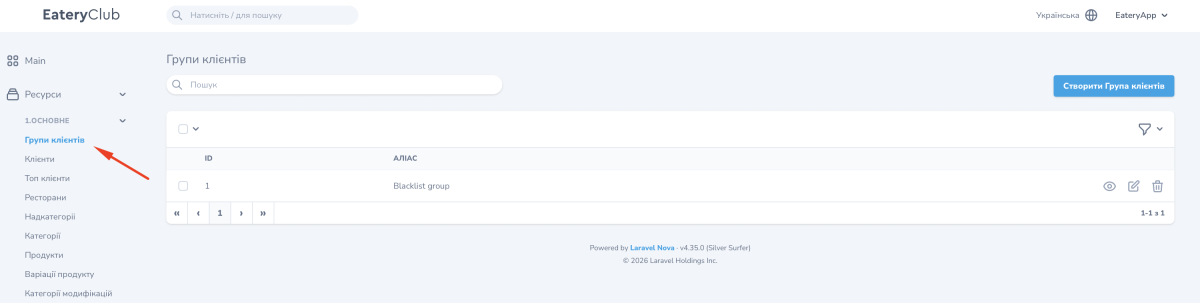
Updated: 13.10.2026A client group is a named list of guests in the «Групи клієнтів» (Client groups) section of the «1.Основне» (Main) group. Groups are created on the Eatery Club side and are not sent to the POS. They are used for bulk push messages, promo code assignment and filtering in the «Клієнти» (Clients) section.
The list and the group fields
The list has two columns: «ID» and «Аліас» (Alias). The alias is the internal name of the group; guests do not see it.
The creation form contains the required «Аліас» field and the «Правила» (Rules) block. A rule is added with the button in the block and chosen from a list. One built-in rule is available now, Only online payment: the group includes guests who paid online. Without a rule, the group is filled manually.
How to create a group
- Open «Групи клієнтів» and press the create button.
- Enter the alias.
- Add a rule if needed.
- Save. The group is immediately available in the filter and in the bulk actions of the «Клієнти» section.
How to fill a group with guests
- in bulk: in the «Клієнти» section filter the guests, tick them and choose adding or editing client groups in the «Дії» (Actions) list;
- for one guest: in the guest card, in the «Групи клієнтів» block, use the attach-group action.
Custom groups
Groups by other conditions (purchase amount, city, activity) are created by the Eatery Club support team. Send the group name and the list of guest phone numbers.
Messaging a group
- In the «Клієнти» section apply the client group filter.
- Tick all guests on the page or the ones you need manually.
- In the «Дії» list choose «Масова розсилка push-сповіщень» (Bulk push notification), fill in the subject and text for every language and confirm.
