Restaurant self-service kiosks: costs and payback
Hardware is only part of a kiosk budget. This worked example separates extra revenue, payroll savings, and operating costs to show how each affects payback.

Loading audio…
—:—
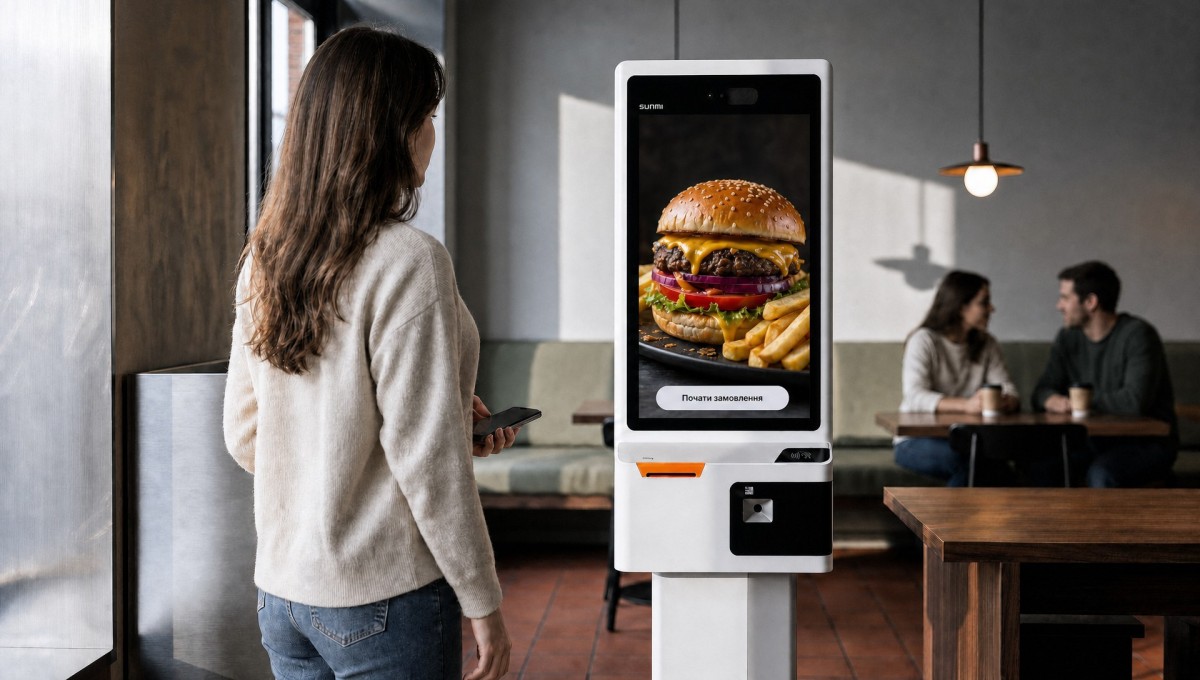
The hardware price is only part of a self-service kiosk budget for a restaurant. Menu setup, payment connections, and staff training come before launch; subscriptions, processing fees, and maintenance continue afterward. To estimate payback, work out how much extra revenue remains after variable costs, then compare that contribution with the cost of running the kiosk.
Buying hardware versus a bundled solution
If you buy hardware separately, you will also need software, payment processing, and installation services. Ask whether the quote includes a stand, scanner, printer, and payment terminal. The pricing page lists the terms for connecting Eatery Club™ software.
Restaurants in Ukraine can choose a bundled offer starting at UAH 14,000 per month on a 12-month subscription. That price applies to the Ukrainian market.
Compare quotes over the same period and with the same services included. Check upfront payments, other charges, and the terms that apply after the contract ends. If the subscription includes hardware, do not count a hardware purchase as another expense.
What to include in the budget
| Before launch | Operating costs |
|---|---|
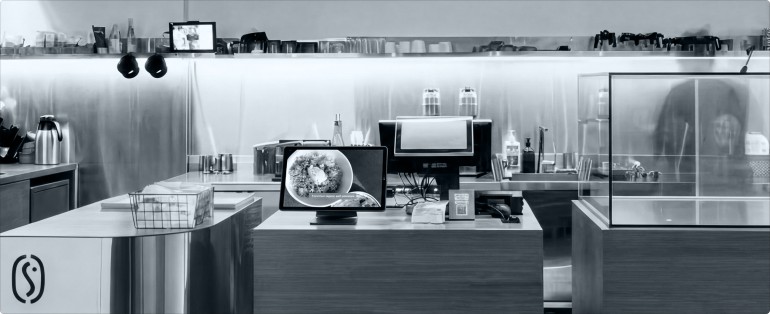
| Hardware, stand, and required peripherals | Software or a bundled subscription |
| Installation, power, and network connections | Payment terminal rental and processing fees |
| Menu, payment, and integration setup | Fiscal services if required |
| Photography, staff training, and guest assistance at launch | Maintenance, repairs, receipt paper, and internet |
For every item, check whether the price includes tax and whether the supplier’s package covers it. A printer purchase is an upfront expense; servicing and subscriptions may involve recurring payments. Avoid listing the same service twice.
How a kiosk can earn back its cost
Moving an unchanged order from the register to a kiosk does not by itself add revenue. Higher average order values and orders the restaurant previously lost can add contribution. An actual reduction in paid staff hours can add payroll savings. The Let’s Smash case study shows how kiosks are used, but your budget needs figures from your own restaurant.
Subtract food costs and other variable expenses from any additional revenue. Payroll savings must reflect a reduction in pay: reassigning a cashier to order pickup on the same wages saves nothing. Freed-up staff time may help the team serve more guests, but measure that effect separately.
A worked payback example
The following example models an equipment purchase using illustrative currency units. These are teaching assumptions, not Eatery Club prices or results from a client.
The upfront investment is 4,000, with fixed operating costs of 135 per month. Each day, 60 existing orders move from the register to the kiosk; their previous average order value was 9. The restaurant operates for 30 days per month. New orders are counted in addition to those 60.
Food costs absorb 30% of revenue and other variable costs take 15%, leaving a contribution margin of 55% before processing fees. The card fee is 1.5%. Assume that 15% of the previous revenue from transferred orders was paid in cash and is now paid by card. All additional revenue is paid by card too, while the rate on previously card-paid revenue stays unchanged. A paid staff hour costs 3, including employer costs.
| Measure | Weak scenario | Base | Strong |
|---|---|---|---|
| Average order value increase | 1% | 5% | 8% |
| New orders per day | 0 | 1 | 3 |
| Reduction in paid hours per day | 0 | 0 | 2 |
| Additional monthly revenue | 162.0 | 1,093.5 | 2,170.8 |
| Monthly benefit after listed costs | −84.8 | 413.6 | 1,169.9 |
| Simple payback, months | No payback | 9.7 | 3.4 |
In the base scenario, additional revenue is 60 × 9 × 30 × 5% + 1 × 9 × 1.05 × 30 = 1,093.5. Apply the contribution margin, then subtract the fixed monthly costs of 135 and the additional processing fees. That leaves 413.6 per month, enough to recover the 4,000 investment in about 9.7 months if the assumptions remain unchanged.
Monthly benefit = additional contribution + actual payroll savings − additional fixed costs − the change in payment processing costs. Processing fees are calculated separately and are not included in the 55% contribution margin. This measures the kiosk’s benefit after the listed costs, not the restaurant’s net profit.
Simple payback = upfront investment / positive monthly benefit. A zero benefit does not recover the investment; a negative benefit adds monthly losses. If costs or performance vary, use a month-by-month cash-flow forecast. Check the terms for later years rather than assuming the first-year subscription price will continue.
What to check before launch
Start with at least four complete weeks of POS data: orders by hour, average order value, the share paid in cash, and paid staff hours. Account for seasonality and check how many additional orders the kitchen can handle during peak hours.
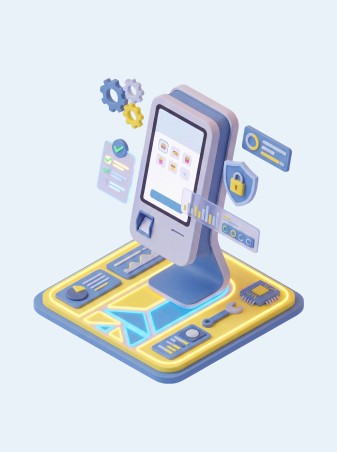
If guests queue at the kiosk, compare adding a second device with ordering from the guest’s phone. Arrange help for guests at launch and decide how staff should handle payment or connection failures.
Once the kiosk is running, compare order values, order counts, and costs across comparable periods. To work out a configuration and check POS compatibility and payment methods, request an Eatery Club kiosk demo.
Published in
Anton Galiukin
Product Owner at Eatery Club. I specialise in digital innovation and product development. I write about technology and the HoReCa industry.
All stories by this author →