
Access and roles: how permissions work in the panel
Which access levels Eatery Club documents, where roles and panel users are managed, and what to do if a section or an action is unavailable.
Updated: 18.09.2026A user’s role decides which sections of the admin panel they can open. This article shows which access levels the product documents and where they are managed. Creating a role and assigning it to a user are described in separate articles.
The documented access levels
- Owner (
owner): full access, including payment systems, roles and review moderation. - Administrator (
administrator): everything except system sections and payment keys.
There is no separate standard role for a marketer: that access is granted through the Owner, the Administrator or a custom role. Custom roles also cover other access needs.
Where access is managed
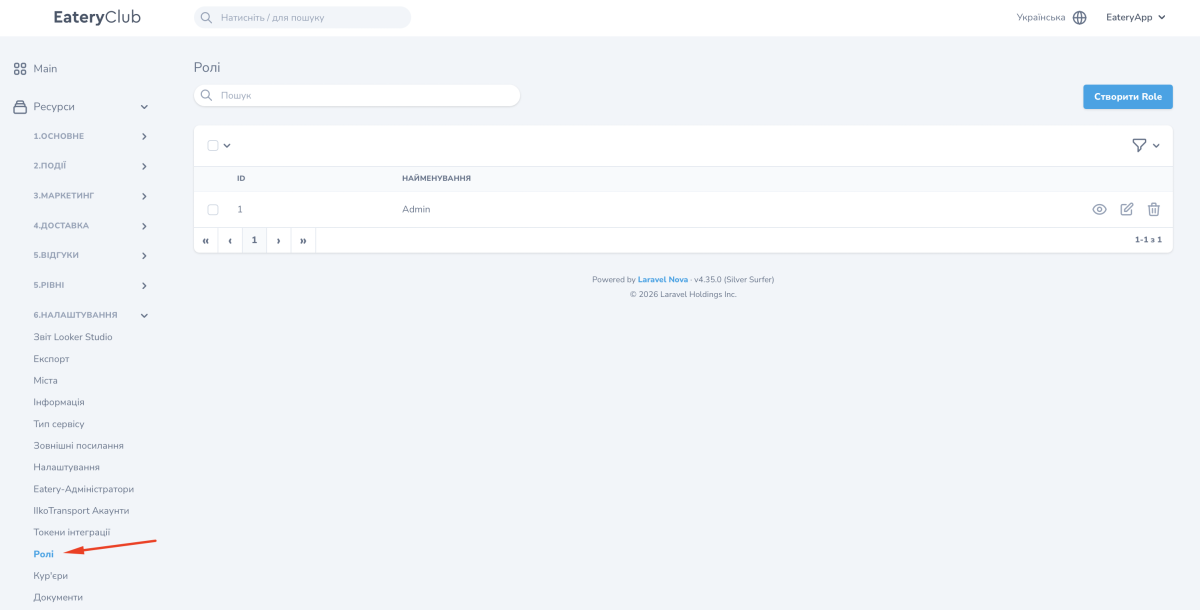
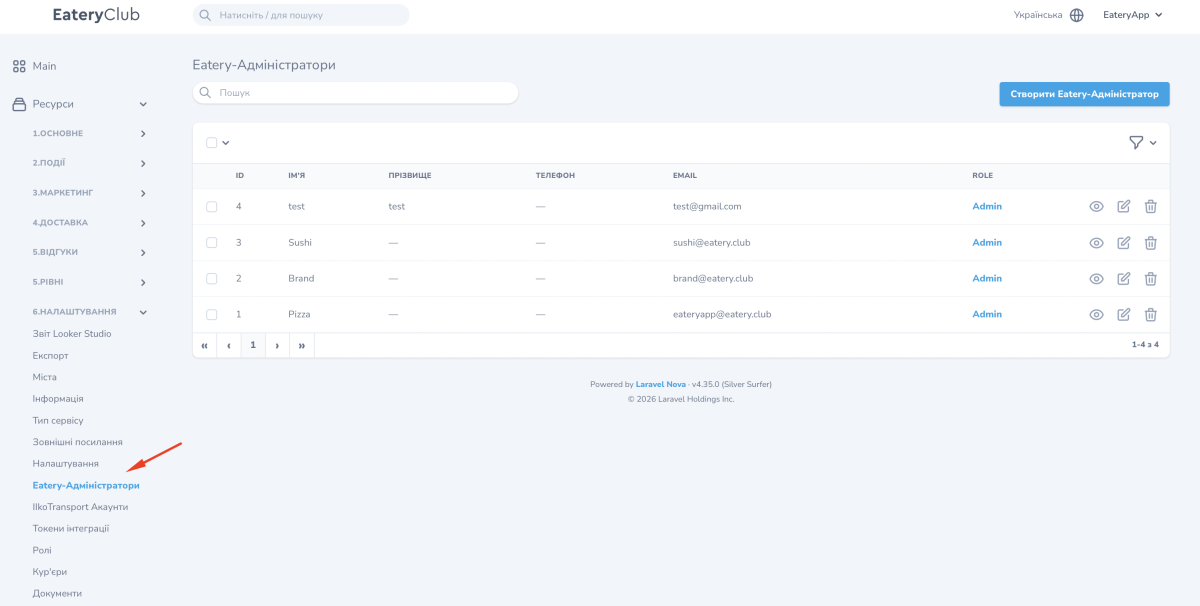
Both sections sit in the «6.Налаштування» (Settings) group:
«Ролі» (Roles): the list of roles with the «ID» and «Найменування» (Name) columns. A role card consists of the «Найменування» field and a set of permissions; the form has a «Вибрати всі» (Select all) checkbox and the list of permissions available to your account.
«Eatery-Адміністратори» (Eatery administrators): the users who sign in to the panel and the role of each of them.
How to create or change a role is described in Roles and permissions. How to assign a role to a user is described in Eatery administrators.
If a section or an action is unavailable
Check which role your user has and which permissions it includes. If the permission you need is missing, contact the account Owner or Eatery Club support.
If the «Eatery-Адміністратори» section is available to you, you can see your own role there: the list shows every panel user and the role assigned to them. If you do not have that section, the account Owner or Eatery Club support will tell you your role.
