
Cutlery categories
The «Cutlery categories» section in the Eatery Club admin panel: the fields of a category, how to create one and how to attach cutlery to it.
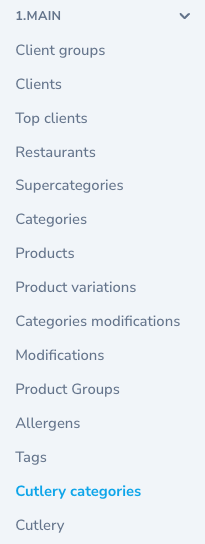
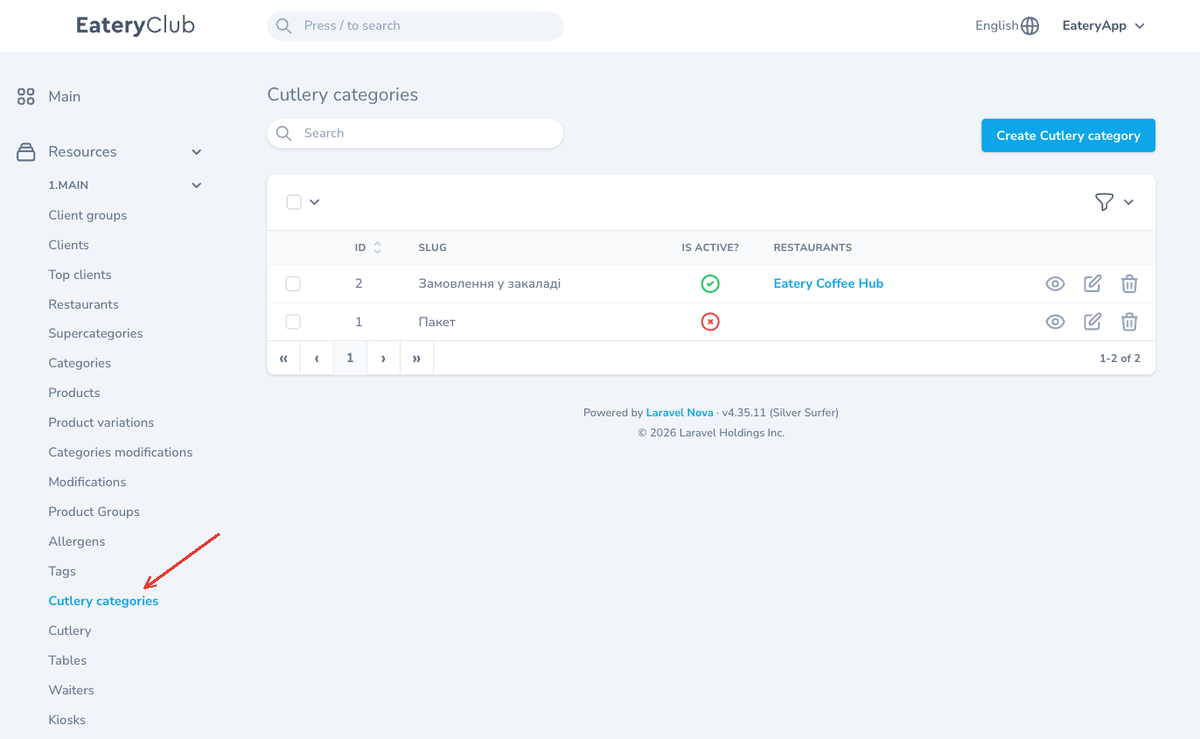
Updated: 07.10.2026Cutlery categories group the items of the «Cutlery» section. Open the section from the «1.MAIN» group of the side menu, item «Cutlery categories», right above «Cutlery».
The fields of a category
- «Slug»: the name of the category in the admin panel.
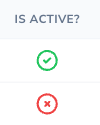
- «Is active?»: the state of the category.
- «Restaurants»: the restaurants the category applies to.
- Of these three fields the form requires only «Slug».
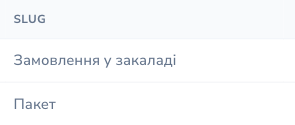
The list shows the «ID», «SLUG», «IS ACTIVE?» and «RESTAURANTS» columns. The rows offer «View», «Edit» and «Delete».
How to create a category
- Open the «Cutlery categories» section.
- Click «Create Cutlery category».
- Fill in «Slug», set «Is active?» and pick «Restaurants».
- Click «Create Cutlery category».
- Add the translations of the category: without them the category is shown incorrectly.

How to attach cutlery to a category
- Open the «Cutlery» section.
- Create a new cutlery item or open an existing one for editing.
- Pick the category the item belongs to.
- Save and add the translations.
In the «Cutlery» list this is visible in the «CUTLERY CATEGORIES» column, next to the «DEFAULT?» and «ICON» columns.
Where the guest sees it
Cutlery is shown to the guest on the checkout page, in the block of additional options.
