
Documents: the document card and uploading the offer
The fields of the document card in the Eatery Club panel, how to add a document with a PDF, and why the app offer file is set separately.
Updated: 18.09.2026The «Документи» (Documents) section stores the project’s documents: the public offer, terms and agreements. Each document has its own card with a name, text and, when needed, a PDF file.
The restaurant team maintains the document cards. Before you start, have the document name and its text ready: both fields are required. A PDF is added only if you need one.
Fields of the document card
- «ID»: the number the panel assigns itself.
- «Найменування» (Name): the document name. This is the column the document list shows.
- «Content»: the document text in a built-in editor that has a writing mode and a preview mode.
- «PDF File»: an attached file, added with a separate button inside this field.
The required fields are marked with an asterisk: «Найменування» and «Content». The attached file is optional.
How to add a document
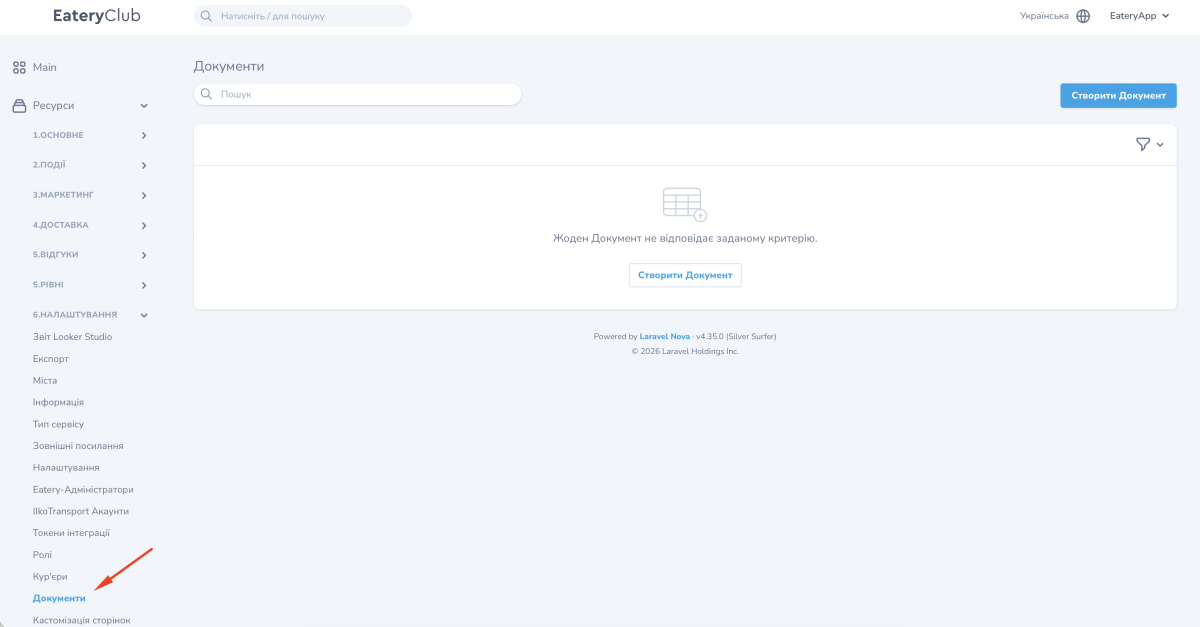
- Open the «6.Налаштування» (Settings) group and the «Документи» section.
- Click «Створити Документ» (Create document).
- Fill in «Найменування».
- Put the document text into the «Content» field.
- Attach a PDF in the «PDF File» field if you need one.
- Save the document.
Once saved, the document appears in the section list, which shows the «Найменування» column.
The form also has a second save button: it saves the document and immediately opens the form for the next one.
The offer file for the app is set separately
The «Договір публічної оферти» (Public offer agreement) parameter does not live in this section. It sits in the «Інші налаштування» (Other settings) record of the «Налаштування» (Settings) section. Its form has a «Файл» (File) field of its own, so the file for this parameter is uploaded separately. The parameters of that record are listed in Other app settings.
Where the «Документи» section sits in the panel navigation is shown in Account documents.
