
Account Documents: Where to Upload the Offer and PDFs
Where the documents section for the public offer and guest PDFs sits in Eatery Club account settings, and which article covers the full procedure.
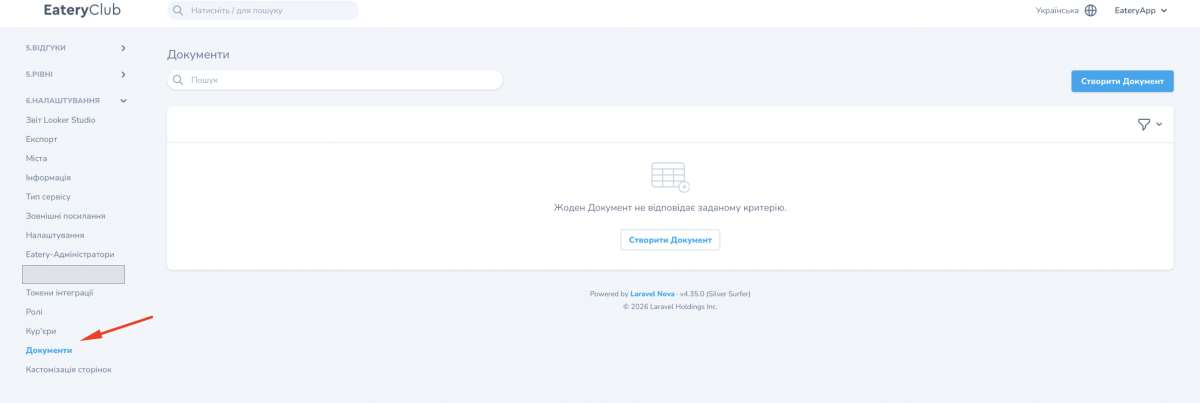
Updated: 04.09.2026The “Документи” section, the documents section, is where you upload the account’s legal documents: the public offer, terms and agreements. This page shows where the section sits in the admin panel navigation.
Open the “6.НАЛАШТУВАННЯ” section, the settings group, and its “Документи” subsection. While no document has been created, the list is empty and offers the “Створити Документ” button.
How to work with documents, the card fields and the procedure for uploading the offer are covered in a separate article, Documents: public offer and PDFs for guests, in the “General” category.
