Custom pages in the app
Separate app screens with their own layout: when they are worth it, which fields a page has, and how to request a new page from the Eatery Club team.
Updated: 07.10.2026The «Кастомізація сторінок» (page customization) section holds separate app screens with their own layout: a heading, an image or a video, and a button with an action. Pages like this are added when the standard app sections do not give you the look you need.
The text screens of the app, onboarding among them, are set up elsewhere: Info blocks in the app: onboarding and hints.
When a separate page is worth it
- a promotion with a non-standard layout;
- a loyalty program with its own mechanics;
- an event page with a video promo.
What has to be in place before the section appears
Custom pages are switched on at project level. Until the feature is switched on for your project, the section does not appear in the admin panel. If you cannot see it, ask the Eatery Club team to switch the feature on.
Page fields
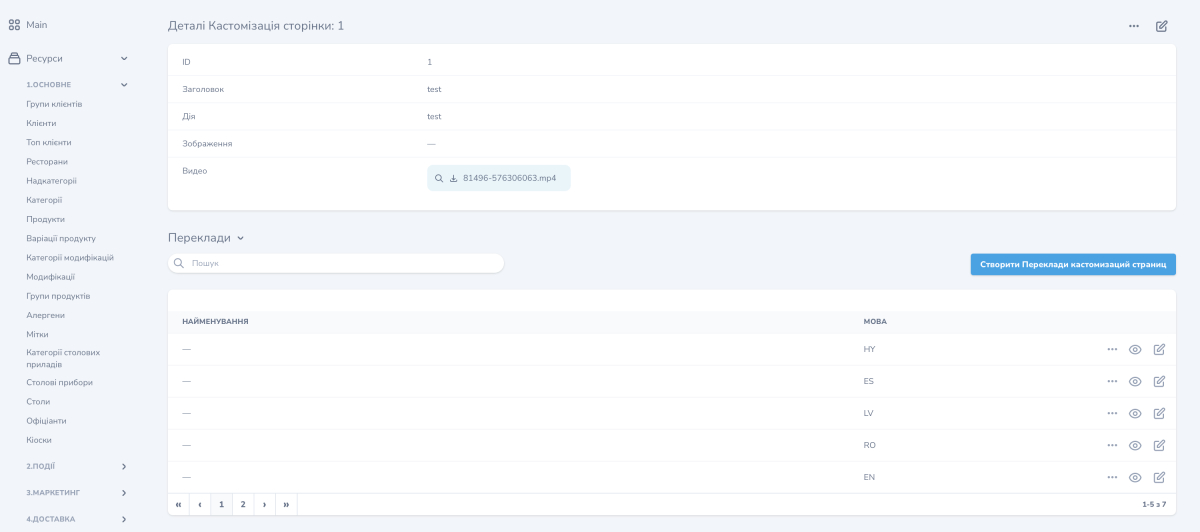
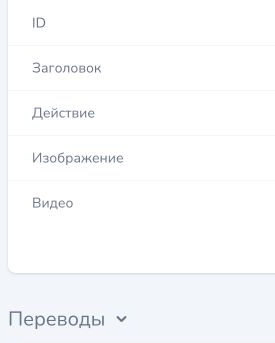
- «Аліас»: the internal name of the page, used to refer to it;
- «Заголовок»: the heading the guest sees;
- «Дія»: the value behind the button on the page, for example a link;
- «Зображення»: the page banner;
- «Видео»: a video file used as the main element of the page;
- «Переклади»: the page texts for every language enabled in the project.
How to request a new page
A new custom page is created by the Eatery Club team.
- Describe what the page is for and what content it will hold.
- Send that description to sales@eatery.club.
- The team creates the page and it appears in the «Кастомізація сторінок» list in your panel. From then on you fill in its content yourself.
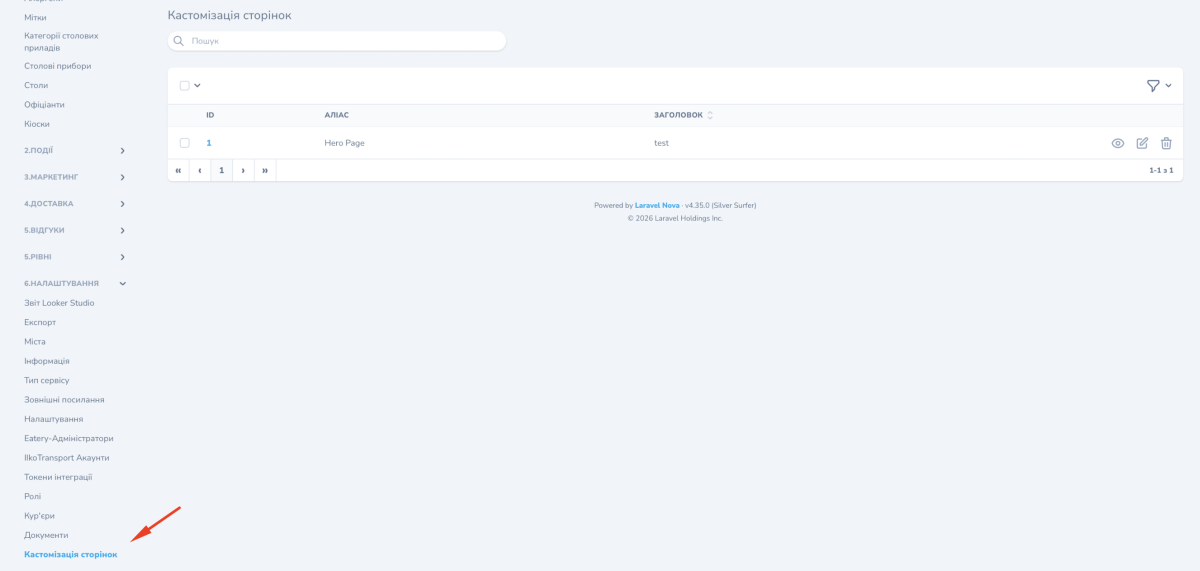
Where to find it in the admin panel
The section is called «Кастомізація сторінок». You open it from the «6.Налаштування» (settings) group of the side menu. A single page inside it is titled «Кастомізація сторінки».