Group ordering
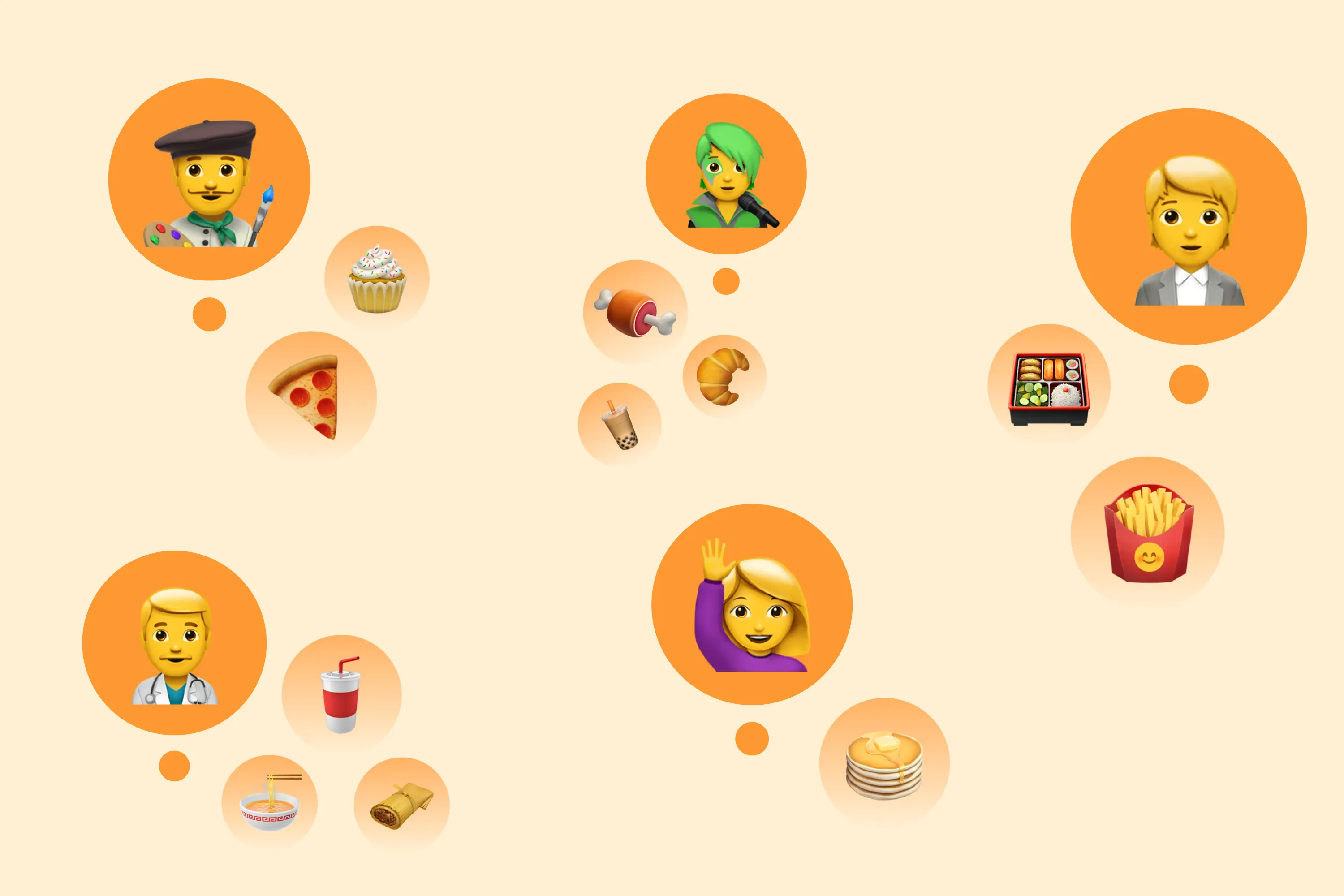
Guests can choose dishes on their own phones and pay separately with group ordering. Your restaurant receives one shared order for the whole group.


Loading audio…
—:—
When friends or colleagues order from the same restaurant, choosing dishes and paying separately can mean passing a phone around or working out the bill in a chat.
Group ordering across devices
With group ordering, each guest chooses dishes on their own phone, and the restaurant receives one shared order for the whole group. Guests can pay separately or together: one person can pay for everyone.
Group ordering is available in all mobile apps and websites for restaurants using Eatery Club™.

One order for your staff
Staff receive everyone’s choices in one order. For example, if one guest chooses a pizza without onions, it is part of that same order.
How to place a group order
- One guest creates an order link.
- They send the link to their friends.
- Each guest opens it on their own device, chooses their dishes, and taps “Done.”
- One person pays for the shared order, or each guest pays separately.
How to enable group ordering
If you’re an Eatery Club client, group ordering is already active and appears automatically in your restaurant’s menu. To check it for your restaurant, contact us or your manager.
Want group ordering at your restaurant?
Group ordering is one of many Eatery Club features. If you don’t use the service yet, submit a request. We’ll show you how Eatery Club can work for your restaurant.
Published in