The 4-Step Guide for Self-Service Kiosk Implementation
From Chaos to 150% ROI

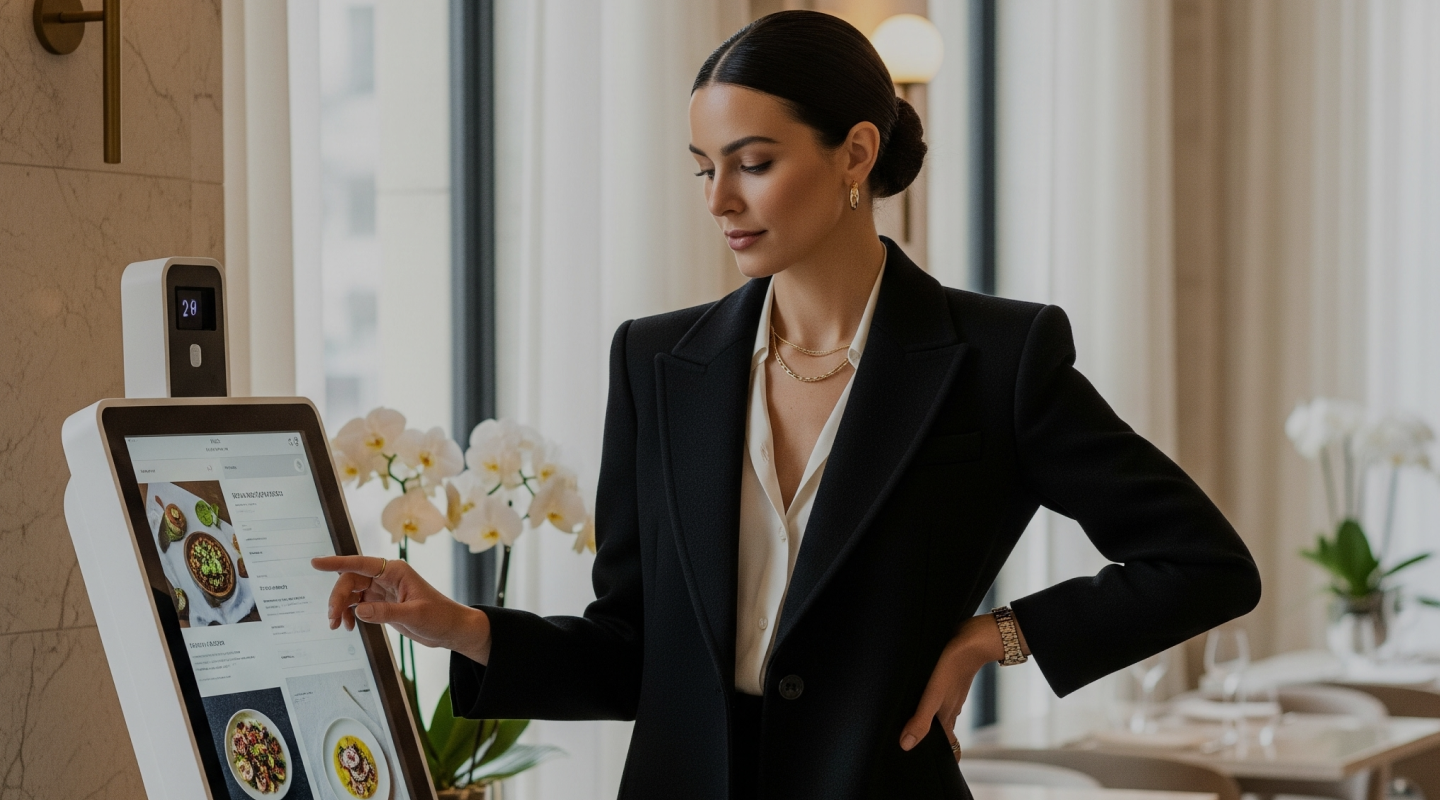
Photo by Eatery Club
In Part 1, we explored how technology is transforming the restaurant business and why common fears prove unfounded. Part 2 examined why kiosk placement is a strategic game. Now, we turn to the practical implementation guide that separates successful deployments from costly failures.
Sixty-one percent of restaurant customers now want more kiosks in dining establishments, up from just 36% two years ago.
The global self-service kiosk market will reach $37.2 billion in 2025, growing at nearly 11% annually. McDonald’s reports a 30% increase in average order value after kiosk deployment. Yet for every success story, there are dozens of restaurateurs who installed gleaming touchscreens only to watch staff revolt, customers complain, and technology gather dust. The difference between triumph and disaster lies not in the hardware, but in the implementation.
Consider Andrew, who installed three kiosks in his busy restaurant on a Monday morning. By Tuesday afternoon, his cashier was crying in front of customers. Queues had dissolved into chaos. “I thought it would be simple,” he recalls. “Within hours, I had to switch everything off.” Three weeks passed before his team calmed down enough to try again. The lesson cost him thousands in lost revenue and staff goodwill.
Contrast this with Christina, owner of a sandwich chain, who began her kiosk journey two months before any hardware arrived. Her first step? A team meeting with a single question: “What frustrates you most about your job?” The unanimous answer: rush-hour pressure, endless ingredient questions, no time for regular customers. She then showed videos of kiosks in action elsewhere, deliberately choosing footage of staff helping elderly customers navigate the screens. “I wanted my people to see their role evolving, not disappearing.”
Step 1: Preparation and Planning
The most successful kiosk implementations begin long before installation day. Begin by identifying “ambassadors” within each shift: staff members who demonstrate comfort with technology and influence over colleagues. These individuals become your internal champions, translating corporate strategy into frontline buy-in.
Develop communication scripts for every scenario: the skeptical regular who insists on human interaction, the rushed lunch customer who needs guidance, the elderly patron intimidated by touchscreens. Role-play these situations until responses become automatic. Most critically, conduct a “quiet hour” test several days before launch. Close the restaurant an hour early, let every staff member process multiple test orders, and document every friction point. Problems discovered now cost nothing; problems discovered during service cost customers.
Step 2: The Soft Launch
Michael decided to save time by launching all four kiosks simultaneously on his busiest day: Friday evening. “More exposure means faster adoption,” he reasoned. By nightfall, 47 negative Google reviews had accumulated. Customers didn’t understand where to queue. Staff panicked. The experiment became a cautionary tale.
Emma, managing a fast-food outlet, chose a different path. She started with a single kiosk, operational only between 2pm and 4pm on weekdays, the restaurant’s quietest period. A dedicated ambassador stood beside it with a sign: “Try our new express ordering: get 10% off!” Her first adopters were programmers from a neighboring office, precisely the demographic most comfortable with self-service technology. These early enthusiasts became organic advocates, demonstrating the system to other customers without any staff involvement.
Week by week, Emma expanded operating hours. By week four, a second kiosk joined the first. The ambassador maintained a notebook, recording every question and technical glitch. By full launch, 40% of customers had already experienced the system. Negative reviews? Zero.
Step 3: Scaling and Optimization
After four weeks of operation, your kiosk data becomes a goldmine.
Industry research indicates that self-service kiosks can boost average checks by 30%, but only when operators actively leverage behavioral insights.
Analyze purchase correlations: if half of your guests ordering a specific dish also add a particular side, but these items live in separate sections, restructure the menu to suggest pairings automatically. Expect add-on sales to jump from this single optimization.
Study temporal patterns. Which items sell disproportionately on Friday evenings versus Tuesday lunches? Create time-targeted promotions: “Sweet Friday” dessert specials, Monday lunch combos. Restaurants implementing such targeted offers report average check increases of €3-5 during promotional windows. Introduce loyalty card integration with “Your usual order?” functionality, creating personalized service without human intervention.
Step 4: Continuous Improvement and Staff Evolution
Anything ordered fewer than five times weekly deserves scrutiny. Analyze margins and preparation complexity, then ruthlessly cull inefficient items while introducing variations of proven bestsellers. The typical result: 15% sales growth combined with 30% reduction in food waste.
Kiosks displaying high-quality food photography consistently outperform text-only menus by 20-25%. Investment in professional photography yields returns measured in months, not years.
“We’re not replacing you; we’re freeing you for more important work.” This must become the organizational mantra. Former cashiers transition into menu consultants, hospitality ambassadors, order coordinators, and problem solvers. Build comprehensive knowledge bases: every staff member completes minimum 20 test orders during training, receives troubleshooting guides for the ten most common technical issues, and participates in role-play scenarios with simulated confused customers.
Choosing the Right Technology Partner
The kiosk software matters as much as the hardware. Modern white-label solutions like Eatery Club offer intuitive interfaces that guests can navigate in seconds, multilingual support for international clientele, and seamless integration with existing POS systems like Syrve. The platform’s loyalty program integration means customers can log in via phone number or guest card to view available bonuses and track rewards earned with each order.
For restaurants without existing POS infrastructure, standalone kiosk solutions provide an attractive entry point. The Smart Order Kiosk plan at €150/month delivers full kiosk functionality without requiring complex system integrations, making it ideal for smaller establishments testing the technology before broader ecosystem adoption.
Payment flexibility proves critical for adoption. The best systems support multiple payment methods: online payments via QR code, cash at counter, or payment terminals. Configurable options in the admin panel allow operators to match payment flows to their specific operational context.
Self-service kiosks are not replacements for human hospitality but amplifiers of it.
Implemented correctly, they generate 150%+ first-year ROI while simultaneously improving staff satisfaction and customer experience. The difference between those who succeed and those who fail lies not in budget or brand, but in methodology.
Start with one kiosk. Invest in team training. Listen to feedback. Optimize relentlessly. Within twelve months, you’ll wonder how your restaurant ever operated without this technology.
Published in
Anton Galiukin
Product Owner en Eatery Club. Especializado en innovación digital y crecimiento de producto. Escribo sobre tecnología y la industria HoReCa.
All stories by this author →