A story of table ordering
A fictional dinner: identical QR code stands open a PDF menu at one table and an ordering and payment platform at another. With the PDF, a waiter takes the order.

Loading audio…
—:—
Alex and Maria are the characters in this fictional story. On a Friday evening, they visited the new restaurant on the corner. They wanted good food and an hour away from notifications and scrolling. No waiter had come over yet. Instead of a paper menu, there was a QR code on the table.

Alex, an engineer, took out his phone. He expected to choose dishes, send an order, and pay at the table without waiting for the check. He liked being able to handle those steps himself: the code promised a logical, orderly process without unnecessary human delays.
His wife, Maria, was an artist who valued those pauses. The waiter’s smile, recommendations, and small talk about wine made dinner feel special. She wanted to ask about the fish and hear some suggestions. Instead, her husband was looking at a screen. To her, using a phone during dinner for two broke an unwritten rule of etiquette.
“I wanted to ask whether the fish is fresh today,” she said. Alex suggested checking the menu first.
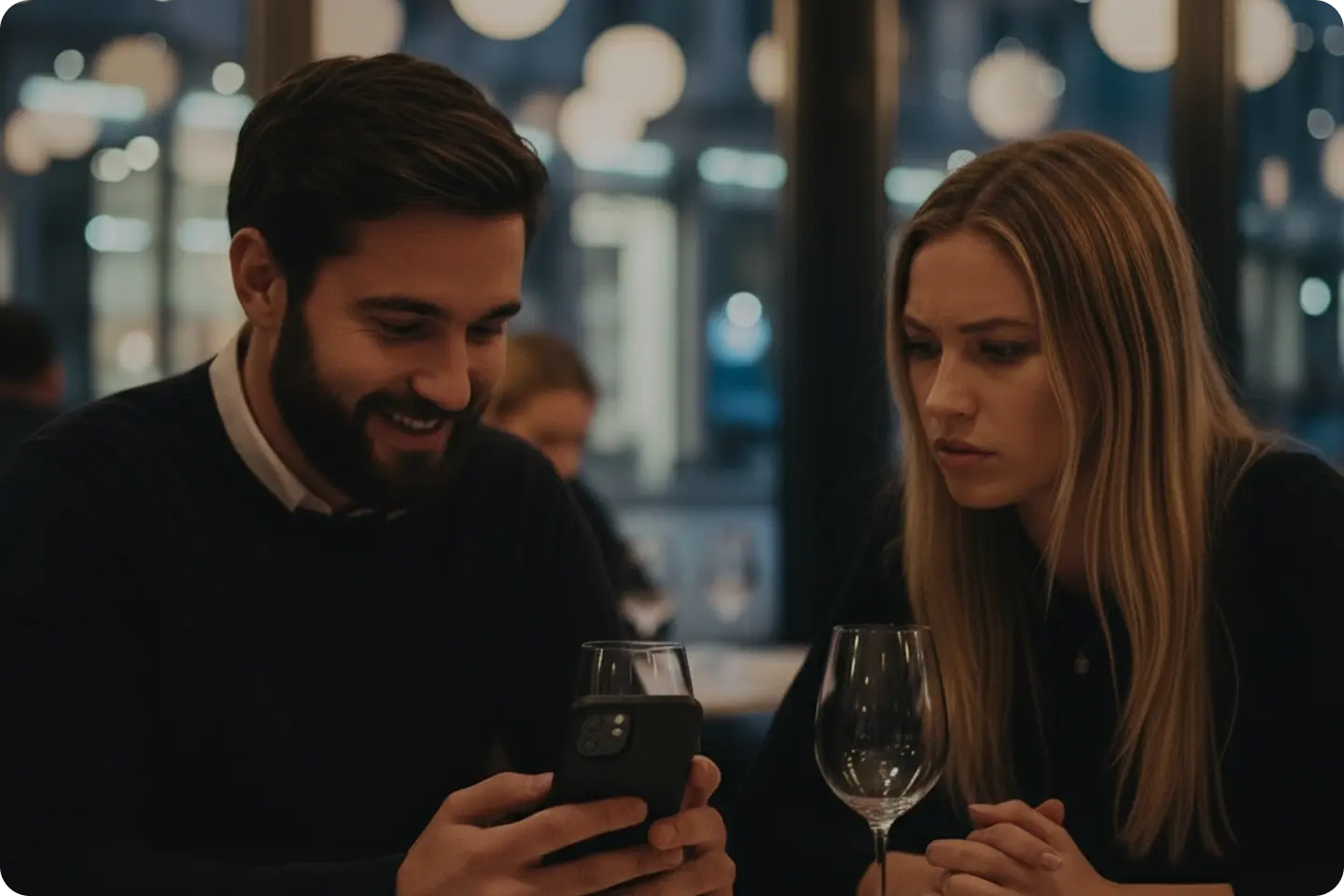
The code opened a PDF copy of the paper menu. Alex had to zoom in and scroll around the pages on his small screen. The type was tiny, and any food photos were too small to make out. Poor UI/UX made even reading the menu difficult.
He could not find descriptions of the sauces or work out how to add a side dish. But the PDF only displayed the menu; it did not let him submit an order. Alex had expected a menu he could order from, but the link opened an ordinary PDF.
Then the Wi-Fi dropped. Alex switched to mobile data, but that signal was weak in the basement dining room, too. A better interface alone would not have fixed this: an online menu still needed a connection.
“Perhaps the old-fashioned way, through a waiter?” Maria suggested with a hint of irony. They were both hungry, and nobody had taken their order. In the kitchen, the chefs were waiting for an order that had yet to arrive.
Two tables, two systems
Alex gave up trying to order on his phone and put it away. They had come to escape the digital world, and now it was stopping them from even ordering dinner.
The staff seemed used to guests managing on their own. They walked past, and it took a while to catch anyone’s eye. Eventually, a young waiter came over. Maria explained that the menu was not working as they expected and asked him to take their order.
The waiter looked embarrassed. He explained that the old system had been rolled out during the pandemic as a quick fix, and it had been a pain ever since. Alex and Maria were not the first guests to complain. He pulled out a worn notepad and answered Maria’s question: the fish had arrived that day, and the chef had chosen it himself. He recommended a wine for Alex’s steak, asked Alex how he wanted it cooked, and wrote down the order.
At a nearby table by the window, a couple about their age had an identical QR code stand. Their menu looked different, though. The woman scrolled through food photos, while the man added another glass of beer with a few taps. They weren’t pinching and zooming a PDF or complaining about the connection.
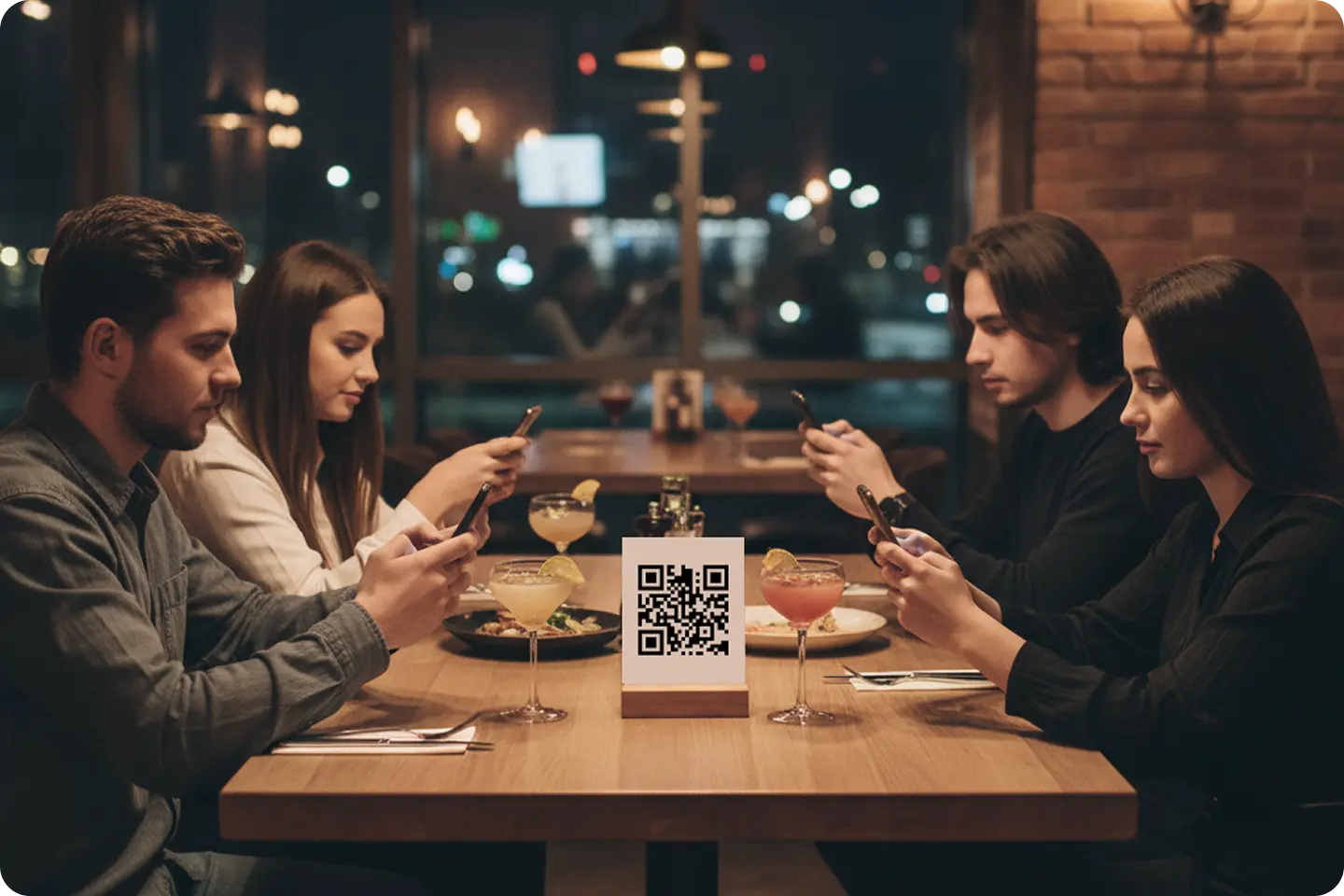
The couple’s order arrived. Later, they added dessert to their cart without calling a waiter. At the end of the meal, the man split the bill in two on his phone. Each paid their share in seconds, without waiting for a staff member to bring a card terminal.
After their own meal, Alex and Maria sat beside empty plates. They still needed to find the waiter, ask for the check, and wait to pay. Alex wondered why QR code ordering worked so differently at another table in the same restaurant.
What the QR code opens
When the waiter brought the check and an old card terminal, Alex asked about the other table. The restaurant was testing a new platform on the five tables by the window. Everywhere else still used the PDF. Management wanted to compare the numbers before switching the whole dining room. Alex and Maria, seated at a table with the old system, were in control group “A.” The restaurant was comparing the two systems side by side, like an A/B test.
At their table, the link led to a static file; at the window tables, it opened an interactive webpage where guests could choose dishes and submit an order. An integration sent it straight to the kitchen and the Point of Sale (POS) system, without a staff member entering it again. A direct connection to payment gateways let guests manage their own bills and pay at the table.
In their section of the dining room, the old system created a barrier for guests and extra work for the staff. Alex realized that in the test zone, the system was not replacing the waiters: it took manual order entry off their hands. They had more time to greet guests, offer recommendations to those who wanted them, solve problems, and create a welcoming atmosphere. To Alex, that was how the technology helped: the waiters could focus on hospitality.
Outside in the cool evening air, Maria took Alex’s arm. She no longer blamed the QR code itself; she said it came down to respect for guests and staff. Two approaches coexisted in one restaurant: an old solution rolled out in a hurry and a new one built around service quality. The waiter had saved their evening, but Alex still thought about the ordering and payment without waiting that the other couple had enjoyed.
When choosing a digital menu and pay-at-the-table system, consider how guests will order and pay, and which tasks the system will handle. It is an investment in the guest experience and the team’s work.
Published in