QR Menu for Restaurants
The guest scans the QR code on the table and opens your menu on their phone. Where you enable ordering, the items go into your POS from the guest's phone, with no one retyping them.

Ozempic changed the menu. Now what?
The guest scans the QR code on the table and opens your menu on their phone. Where you enable ordering, the items go into your POS from the guest's phone, with no one retyping them.


Another coffee or a dessert? The guest adds it on their phone and the order goes to your POS, without waiting to catch a waiter.
End of dinner. Where you enable splitting, one guest pays for everyone or each pays for their own items. Payment runs through your connected provider, and tipping is a separate step if you turn it on.
The guest can leave a star rating and a comment after the visit. Reviews are collected in your admin panel.
The guest scans the QR code on the table
The restaurant's website opens with the menu — no app, no registration. If the guest wants, they can log in to the system to accumulate bonuses.

Chooses dishes
Photos, ingredients and allergens are visible if you fill them in. The order goes into the POS you have connected.

Pays on the phone
Payment runs through the provider you connect, so the available methods come from them. Where splitting is enabled, four people at a table can each pay for their own share, and tipping is a separate amount.

Leaves after paying
No need to catch a waiter, wait for the bill or wait for change. The guest can leave a review at the table, and the rating lands in your admin panel.

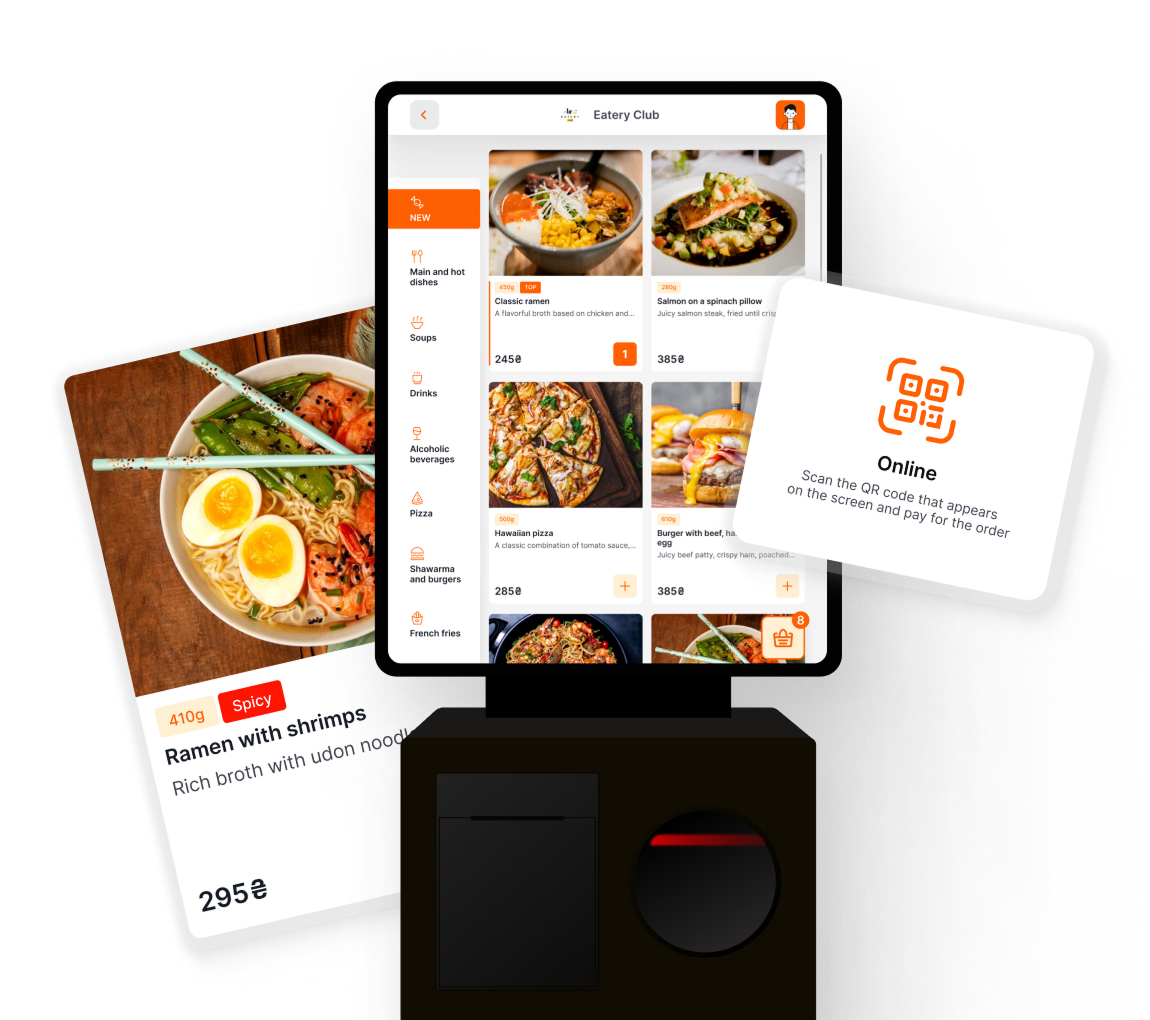
Accept orders faster without staff involvement — with a full-size or tablet kiosk.
Learn more
Your questions — our answers
Loading

We use cookies!
Hello! This website uses essential cookies to ensure proper functionality and analytics cookies to understand how you interact with it. Analytics cookies will be set only after your consent.
Cookie settings
Cookie usage 📢
We use cookies to ensure basic functionality of the website and to understand how you interact with it. You can enable or disable each category individually. For more detailed information about cookies and other sensitive data, please read our full Privacy Policy.